 Noillirk
What we tested
This was a browser-driven desktop test in Chrome at a 1280 × 720 viewport on 20 October 2026, with the test browser set to UTC. We opened the original game separately in Tabletop and Sky climb, started the Daily and submitted one answer in each. The screenshots below are compressed copies of those actual captures. Tabletop was captured with normal animations; the Sky climb capture used reduced motion.
This is a short first-round walkthrough. We did not finish the ten-question Daily, test a physical phone or verify that progress would survive closing the browser. The date and browser conditions matter because a future visit may show different Daily questions.
Starting with the question
In Tabletop, we selected Play today's 10. The game moved to question 1 of 10 and asked us to name a character from The Muppet Show. We entered Kermit in the answer field, then selected Submit answer. The input was a typed response rather than a choice from a supplied list.
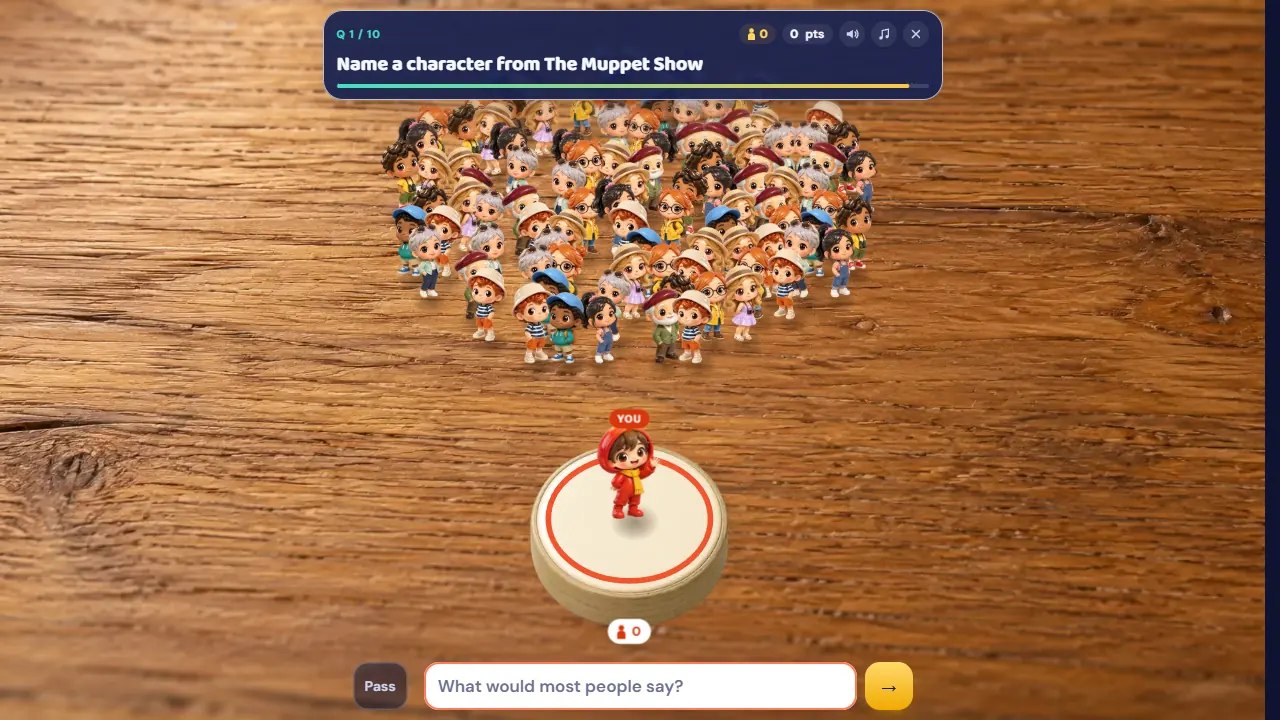
The useful distinction is between naming something that fits and naming something familiar. Noillirk's published rules reward common answers; this prompt let us check that objective against a concrete result.
Tabletop: Kermit becomes 100 points
The result recognized the short input as Kermit the Frog. The card marked it #1 Answer, awarded +100 and showed 4 joined. That is the observed result of this one submission, not a claimed final Daily score.
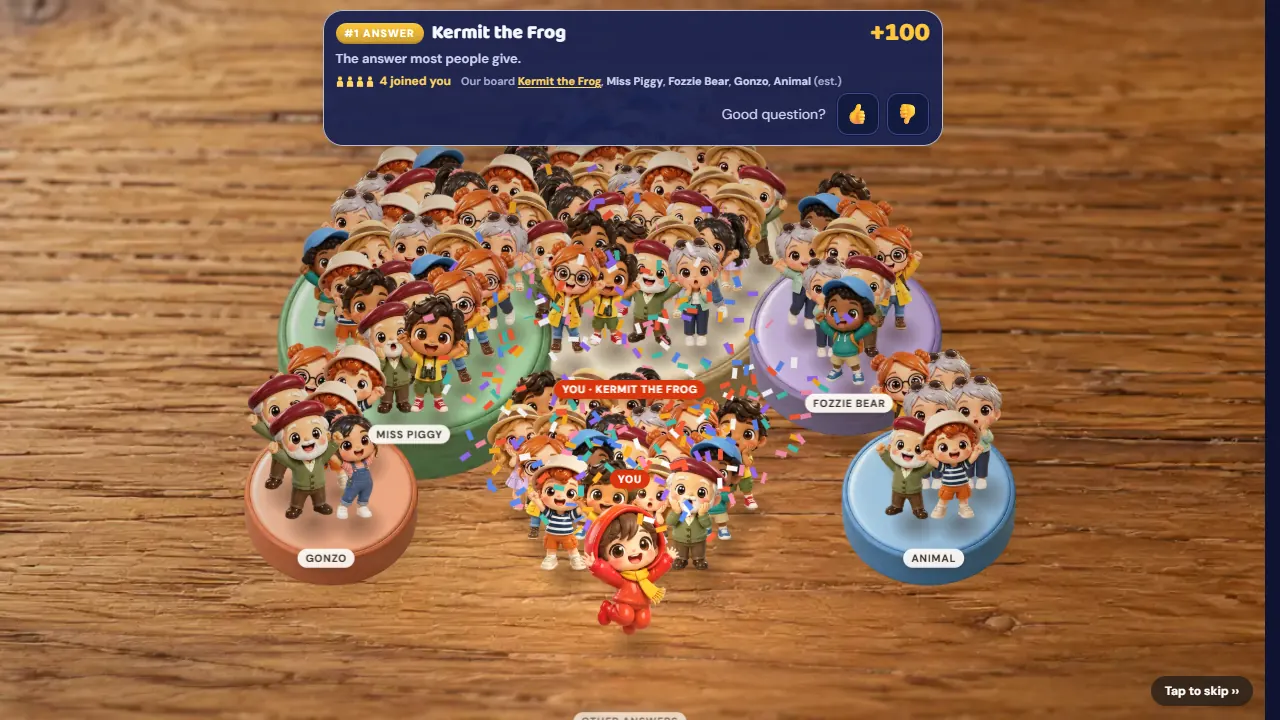
The wooden-table scene makes the crowd idea visible: the red-hooded player appears among figurines and answer tiles, while the score card states the result. We waited for the animated points display to reach 100 before taking this screenshot, so the picture and the recorded result agree.
Sky climb: the same answer reaches 30 metres
We then opened Sky climb and selected Play today's 10. Its first question was the same Muppet prompt. Submitting Kermit again produced the number-one answer result and 100 points. This time, the stage displayed 30 m and the location label The Treetops.
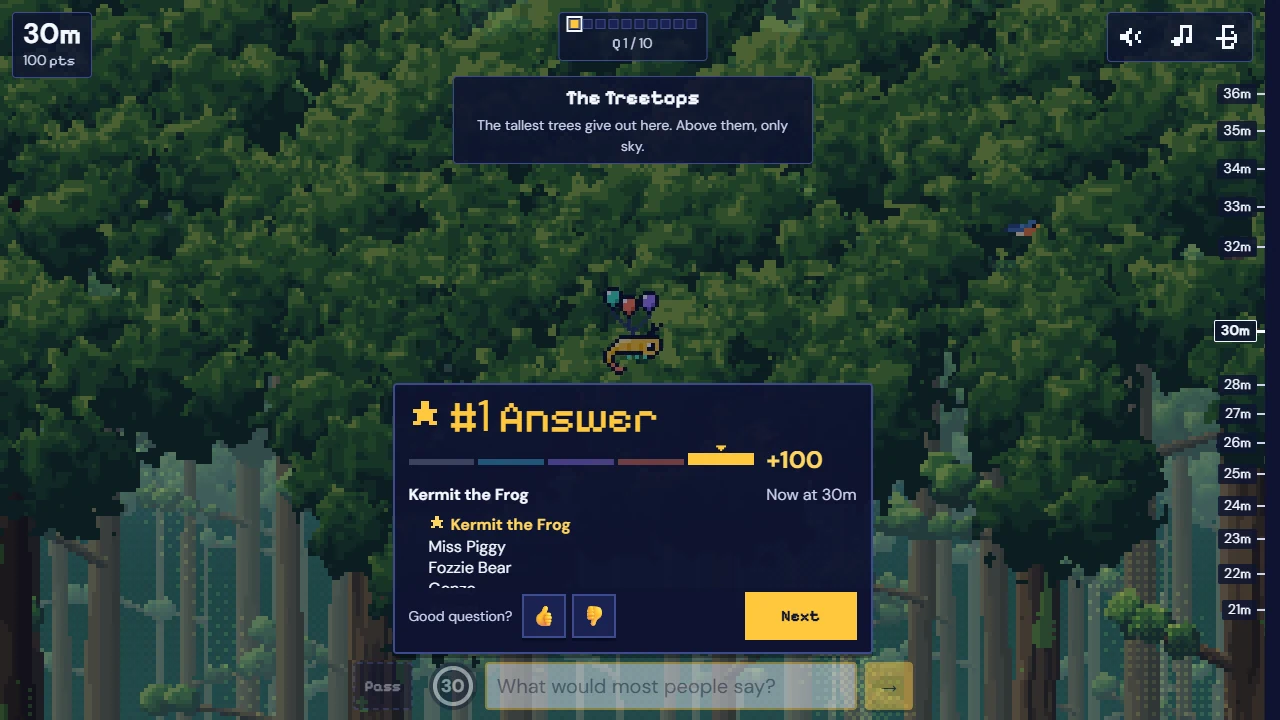
A Next button was available after the reveal. We stopped there without selecting it, so this capture documents the pause after the first answer rather than the transition to question two.
What this first round tells a new player
The two results make the shared objective easier to understand: the accepted answer and points matched, while the stage translated the result into people or height. The numbers are different units, not evidence that one mode awarded a better answer.
For your own first attempt, read the prompt, type a familiar answer and inspect its revealed band before comparing stage totals. Our playing guide explains the scoring bands; the stage comparison covers the documented pacing differences. Neither this short test nor these screenshots establish full-session reliability or a universal points-to-height formula.
Sources & scope
Publisher rules and browser behavior can change. This independent guide does not imply access to the original game’s backend or your saved progress.
Try a round
Choose your stage. Opening the player starts a game window in this tab.